Google’s 24-Hour Verification: Sideload APKs in 2026?

On September 30, 2026, Google began enforcing developer verification for app installs in Brazil, Indonesia, Singapore, and Thailand. Install an app from an unverified developer there, and your phone now forces a mandatory “advanced flow” — including a full 24-hour waiting period.
Here’s the part that matters: the 24-hour install verification currently applies to installs made through app stores. Downloading an APK file directly from a website and installing it yourself — the classic sideload — is not covered yet. Google’s own FAQ confirms the exemption. So if you download APKs straight from sites like this one, nothing changes for you right now. But the rule is expanding, so here’s how it works.
Table of Contents
What Is the Android Developer Verification Rule?
For years, anyone could publish an Android app with a self-signed certificate — Google never checked who was behind it. That openness made sideloading possible, but it also let malware authors hide behind anonymity.
Google’s answer is developer verification: developers must now prove their identity to Google. The program was announced well in advance; September 30, 2026 was simply the day enforcement began, starting with four countries on Android 7.0+ certified devices.
Which App Stores Does It Cover?
The enforcement runs through seven app stores in the first wave: Google Play, Samsung Galaxy Store, HONOR App Market, OPPO App Market, Xiaomi GetApps, vivo V-Appstore, and Transsion’s Palm Store.
The key detail: the check happens at install time, through the store. Install an unverified developer’s app via one of these stores and the phone refuses the normal one-tap install, pushing you into the advanced flow instead.
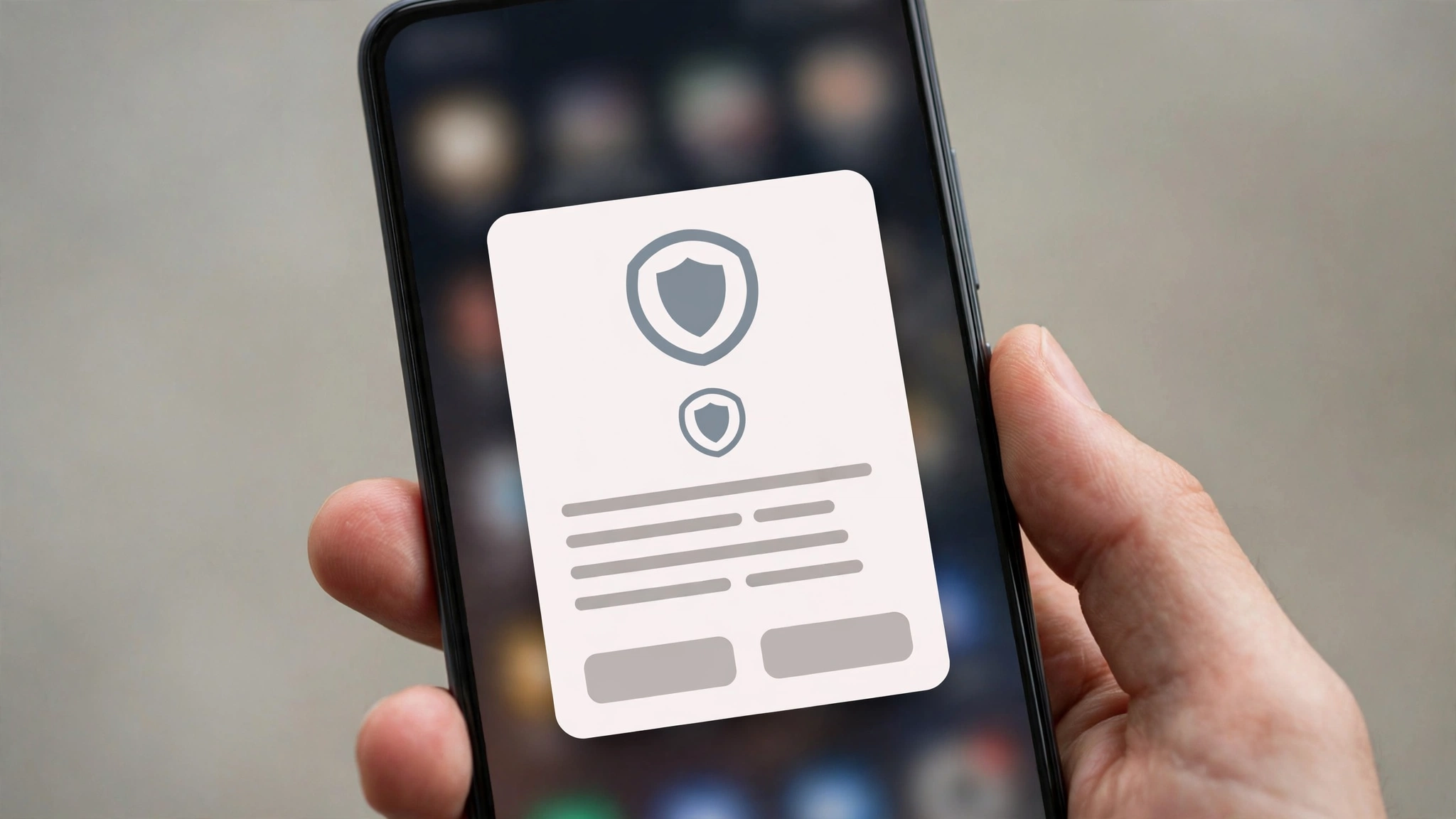
The “Advanced Flow,” Step by Step
Google made this deliberately painful — the friction is the point. To install an unverified app through a covered store, you must:
- Acknowledge a strong warning that the developer is unverified.
- Turn on Developer Options on your phone (a settings area most users never touch).
- Pass an anti-coercion check confirming nobody is forcing you to install the app (aimed at scam victims being walked through installs by criminals).
- Restart your phone.
- Wait a full 24 hours — the 24-hour install verification wait itself, a cooling-off period aimed at scams where victims are pressured to act fast.
- Re-authenticate with your PIN or biometrics.
- Finally allow the install — for 7 days or indefinitely.
Miss a step and the install doesn’t happen. For a scammer rushing a victim, this flow is a nightmare; for a legitimate user, just deeply annoying — which is exactly why Google built it this way.
Who Is NOT Affected
Direct APK downloads are exempt. Download an .apk in your browser, open it, confirm through Android’s package installer — none of this applies. No Developer Options, no restart, no 24-hour wait. Google’s FAQ states the exemption explicitly.
So your normal routine — grab the APK, tap install, done — works exactly as before. At least for now.
What Does This Mean for Mod APK Users?
Modded apps deserve a special mention. A mod APK (like a CapCut mod build) is re-signed with a different key than the original developer’s, so Android classifies it as coming from an “unverified” developer.
In practice, nothing changes today: mod APKs install as direct APK downloads, which are exempt from the 24-hour install verification. If you use CapCut Mod APK, your install flow is untouched — just keep downloading from a source you trust, since an unverified signature means Android can’t vouch for who’s behind the file. That’s why we keep our CapCut Pro vs Free comparison current, so you know exactly what you’re installing.
Global Rollout: What Happens in 2027
Google has said enforcement will expand worldwide in 2027, with no confirmed per-country dates yet. The direct-APK exemption is described as “for now” — whether it survives the 2027 expansion in its current form is the open question.
Expect more countries, possibly more stores, and continued pressure on sideloading. If you rely on APK downloads, 2027 is the year to watch — not 2026.
What Should You Do Right Now?
Honestly? Not much. Just these four things:
- Stick to sources you trust. With verification pressure rising, the gap between trustworthy and shady download sites matters more, not less.
- Never grant Accessibility permission to a sideloaded app without a concrete reason — it’s the permission phone-takeover malware abuses.
- Keep Google Play Protect enabled. It’s your backstop, and it doesn’t conflict with sideloading.
- If you live in Brazil, Indonesia, Singapore, or Thailand and use those app stores, expect the advanced flow — it’s the new rule, not a bug.
Frequently Asked Questions
Does the 24-hour wait apply to APK files I download from websites?
No. The 24-hour install verification only triggers for installs through the covered app stores. Direct APK downloads are explicitly exempt for now, per Google’s FAQ.
Which countries are affected right now?
Brazil, Indonesia, Singapore, and Thailand — enforcement began September 30, 2026, on certified Android 7.0+ devices.
Will this come to my country?
Probably, in 2027 — Google has confirmed a global rollout but published no per-country dates.
Does this affect mod APKs like CapCut Mod APK?
Not through the current rule. Mod APKs count as “unverified” due to changed signatures, but they’re installed as direct APK downloads — which are exempt — so the install flow is unchanged.
Can I skip the 24-hour wait?
There’s no shortcut. The wait is one step of the full flow: warning, Developer Options, anti-coercion check, restart, 24-hour wait, authentication, timed allow. Complete all of it, or the app doesn’t install.
Final Word
Google’s 24-hour install verification is real, live in four countries, and deliberately annoying — but it’s aimed at store-based installs, not at you downloading an APK directly. Your sideloading routine is untouched for now. Watch the 2027 rollout, stick to trusted sources, and you’ll stay ahead.
For the safest experience with modded apps, start from our homepage — and if a new build ever gives you trouble, the older versions page has you covered.