
How to Change Region in CapCut: Mobile, PC, Mac & Web Guide
How to Change Region in CapCut
If certain CapCut templates, effects, AI tools, or other features are unavailable in your country, you may be wondering how to change region in CapCut. CapCut does not treat your region as a simple setting that can always be changed manually. Depending on the feature, your location can be determined by your account, device, app-store country, network, and other regional settings.
This means that changing one setting may not change everything inside CapCut.
In this guide, you’ll learn how to change region in CapCut on Android, iPhone, iPad, Windows, Mac, and CapCut Web. We’ll also explain what happens to templates, AI features, subscriptions, and payment currencies when your region is different.
Important: CapCut’s menus and available features can change between versions. CapCut itself says that its interface is regularly updated across mobile, desktop, and web.
Why Would You Change Region in CapCut?
There are several reasons someone may want to change region in CapCut.
For example, you might notice that:
- Some CapCut templates are missing.
- Certain effects are unavailable.
- AI features don’t appear.
- A feature says it isn’t available in your region.
- CapCut Pro pricing is different.
- Your payment currency is different.
- You see templates that your friends in another country can use.
- Certain CapCut features are available in another market.
However, changing your region does not necessarily unlock every feature. CapCut uses several factors when determining feature availability.
According to CapCut, some effects and templates can be unavailable because of regional restrictions, app versions, account eligibility, device capabilities, or gradual feature rollouts.
Can You Change Your Region Directly in CapCut?
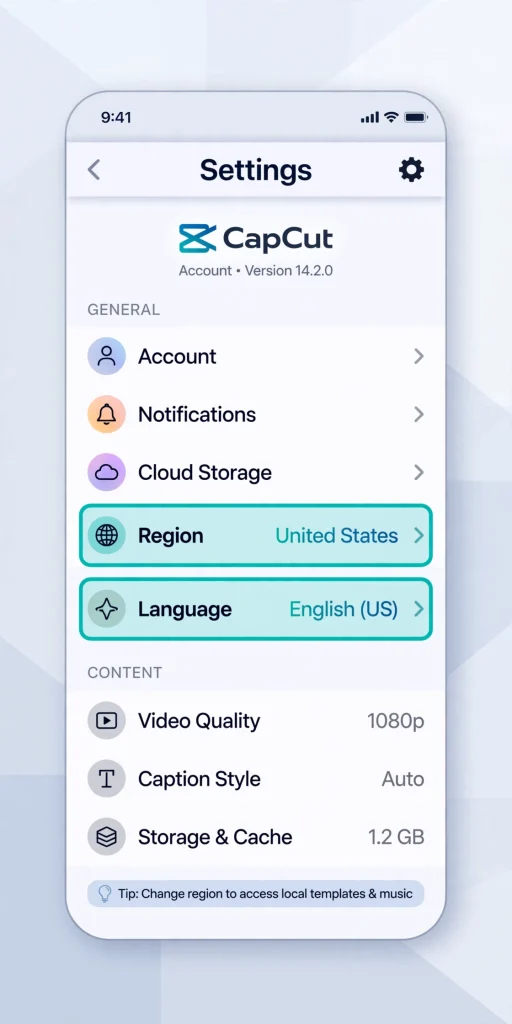
In most cases, there isn’t a universal Region button inside CapCut that lets you simply select any country.
This is an important distinction.
Some CapCut settings can be changed directly, such as language and certain account preferences. However, regional availability can depend on external factors.
For example, CapCut says payment currency is automatically determined by the country or region connected to your Apple App Store or Google Play account. CapCut does not currently provide an in-app option to manually select a different payment currency.
So, if you’re trying to change the region in CapCut, you first need to determine what you actually want to change.
How to Change Region in CapCut on Android
If you’re using CapCut on an Android phone, the region associated with your Google Play account can affect things such as availability and payment information.
Step 1: Check your Google Play country
Open the Google Play Store on your Android phone.
Then:
- Tap your profile picture.
- Open Settings.
- Select General.
- Look for Account and device preferences.
- Check your Google Play country or region.
If Google provides the option to change your Play Store country, follow the instructions shown there.
Keep in mind that Google Play has its own requirements and restrictions when changing countries.
Step 2: Restart CapCut
After making a legitimate change to your Google Play region, close CapCut completely.
Then:
- Open CapCut again.
- Sign in to your account.
- Check the feature or template that was previously unavailable.
Step 3: Update CapCut
Open Google Play and check whether a newer CapCut version is available.
This is important because CapCut says newer effects and features can depend on the app version.
How to Change Region in CapCut on iPhone
On iPhone and iPad, your App Store country or region can influence CapCut’s payment and availability.
If you want to change the region in CapCut on an Apple device, first check your Apple Account region.
Step 1: Open Apple Settings
Go to:
Settings → Your Name → Media & Purchases → View Account
Look for the Country/Region option.
If Apple allows you to change it, follow the instructions provided by Apple.
You may need to satisfy Apple’s requirements before the country can be changed.
Step 2: Open CapCut
After the App Store region has been changed, open CapCut again.
Check whether the feature, template, or subscription information you were looking for has changed.
Important
Changing your Apple region is not the same as changing a region inside CapCut.
CapCut specifically states that payment currency is tied to the country or region associated with your App Store account.
Therefore, don’t expect changing your iPhone’s language or simply changing a device location setting to automatically change CapCut’s payment currency.
Also check out: CapCut Slow Rendering Due to Poor CPU Optimization — Causes & Full Fix Guide
How to Change Region in CapCut on iPad
The process on an iPad is similar to iPhone because both use Apple’s App Store ecosystem.
Go to:
Settings → Your Name → Media & Purchases → View Account → Country/Region
Check the country associated with your Apple Account.
After making an eligible change:
- Open the App Store.
- Update CapCut if an update is available.
- Launch CapCut.
- Sign in to your account.
- Check the feature or content you were trying to access.
CapCut supports both its mobile experience and iPad experience, although the iPad version has its own interface and feature considerations.
How to Change Region in CapCut on PC
If you’re using CapCut Desktop on Windows, there may not be a simple country selector inside the application.
Instead, CapCut can determine regional availability through account and network-related factors.
If you’re trying to change the region in CapCut on Windows, start with these steps:
1. Update CapCut Desktop
Open CapCut Desktop and check for updates.
CapCut regularly updates its desktop application, and feature availability can change between versions.
2. Check your CapCut account
Make sure you’re logged into the correct account.
CapCut supports multiple login methods, including Google, email, TikTok, and Facebook. Using a different login method can sometimes result in accessing a different account.
3. Check the feature on CapCut Web
If a feature doesn’t appear on your PC, sign in to CapCut Online and check whether it is available there.
This can help determine whether you’re dealing with a desktop-specific problem or an account/region limitation.
How to Change Region in CapCut on Mac
The process is similar on macOS.
First, make sure CapCut Desktop is updated.
Then:
- Open CapCut.
- Sign into the correct account.
- Check the feature you want to use.
- Compare the same feature on CapCut Web.
- Check your Apple account region if the issue involves purchases or payment currency.
Remember that changing the Mac’s language or time zone does not necessarily change your CapCut account region.
How to Change Region in CapCut Web
CapCut Web works differently because you access it through a browser.
Go to CapCut’s online editor and sign in to your account.
If a feature says:
“This feature is not available in your region”
the restriction may be related to your account or network location rather than a simple browser setting.
CapCut states that some AI features can be restricted based on regional availability and that its services may detect the user’s IP location.
Try these steps:
- Sign out of CapCut.
- Close the browser.
- Reopen your browser.
- Sign in using the same CapCut account.
- Check the feature again.
- Try another supported browser if necessary.
CapCut recommends using a current supported browser for its web editor.
Does Changing Region Unlock CapCut Templates?
Not always.
This is one of the biggest misconceptions about trying to change region in CapCut.
CapCut says template availability can depend on several factors, including:
- Region
- App version
- Account eligibility
- Device capabilities
- Gradual feature rollout
- Licensing
- Marketing campaigns
Therefore, changing your region alone may not make every template appear.
If you’re missing a particular template, first make sure you have the latest CapCut version.
Does Changing Region Unlock CapCut AI Features?
Regional restrictions can affect some AI features.
CapCut explains that users may see messages such as:
“AI features are not available in your region.”
When this happens, the feature may genuinely be unavailable in that country or region. CapCut also says AI availability can vary across its mobile, desktop, and web platforms.
Before assuming the problem is your region, check:
- Your CapCut version
- Your account
- Your internet connection
- Whether the feature works on CapCut Web
- Whether your account has the necessary credits
- Whether the feature is supported on your device
Does Region Affect CapCut Pro Pricing?
Yes.
CapCut says Pro pricing can vary between countries and regions because of factors such as local taxes, currency exchange rates, and regional pricing strategies.
This means two users in different countries may see different prices.
However, simply changing your phone’s location or language won’t necessarily change the price.
Can You Change CapCut Currency Manually?
No.
CapCut currently says that payment currency is automatically determined by the country or region associated with your App Store or Google Play account.
There is no in-app setting that lets you manually choose another payment currency.
For example, changing your phone language from English to another language does not automatically change the CapCut payment currency.
What If CapCut Still Shows the Wrong Region?
If you tried to change the region in CapCut but nothing changed, don’t immediately assume the app is broken.
Try the following troubleshooting steps.
Update CapCut
Install the latest available version.
Check your account
Make sure you’re using the correct CapCut account.
CapCut recommends using the same login method you originally used to create the account.
Restart the app
Completely close CapCut and reopen it.
Check your connection
Try another reliable internet connection if the problem appears to be network-related.
Clear temporary data
On Android, you can try clearing CapCut’s cache from your device settings.
On the web, clear browser cache and cookies if CapCut isn’t loading regional content correctly. CapCut recommends clearing cached data as one troubleshooting step for web connection problems.
Try CapCut Web
If a feature isn’t appearing on the desktop or mobile app, check the web version.
This can help determine whether the problem is platform-specific.
Why Can’t I See a CapCut Template Available in Another Country?
There are several possible explanations.
The template could be:
- Region restricted
- Available only on mobile
- Limited to certain accounts
- Part of a gradual rollout
- Available only in a newer version
- No longer available
- Limited because of licensing or campaign requirements
CapCut specifically notes that users in different countries can see different templates, effects, filters, and stickers.
So, seeing someone use a template on TikTok does not guarantee that the same template will appear in your CapCut account.
Will Changing Region Delete My CapCut Projects?
Changing a store or account region does not automatically mean your local editing projects will disappear.
However, you should back up important projects before making significant account or platform changes.
This is particularly important if your projects are stored locally or if you’re changing accounts.
If you use CapCut across multiple devices, make sure you’re signing into the same account. CapCut supports access across mobile, desktop, and web.
Should You Use a VPN to Change Region in CapCut?
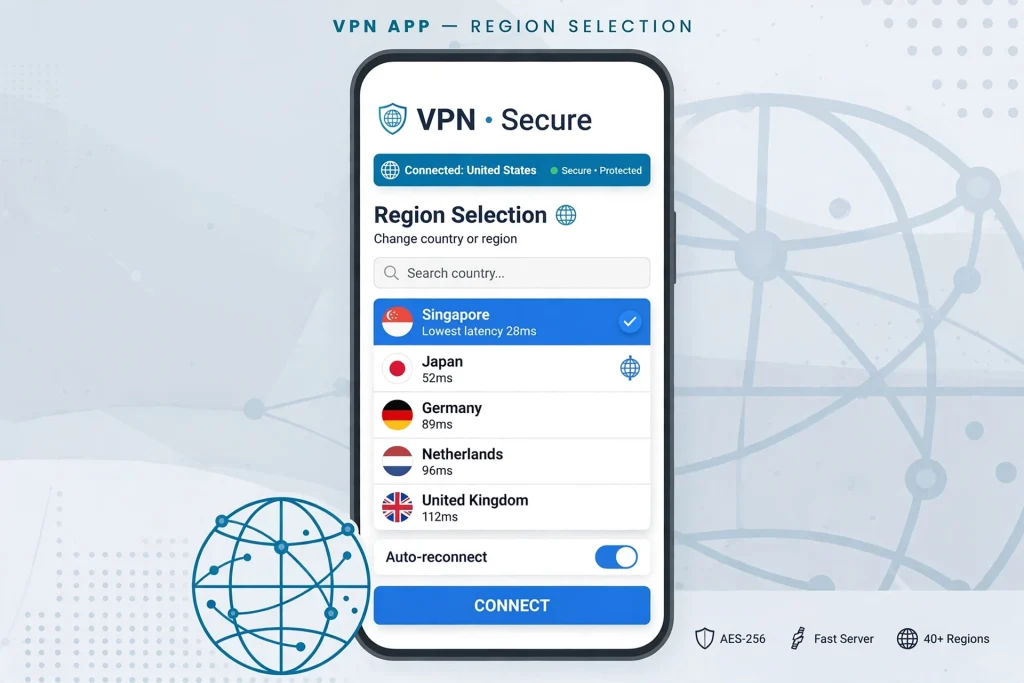
A VPN can change the apparent IP location of your internet connection, but it does not guarantee that CapCut will treat your account as belonging to another country.
CapCut can use multiple signals when determining regional availability.
For example, CapCut states that some AI features can be affected by IP location, while payment currency is linked to the App Store or Google Play region.
Therefore, a VPN alone may not change:
- App Store country
- Google Play country
- Account information
- Payment currency
- Subscription eligibility
- Every regional restriction
If you’re using a VPN, also be aware that regional restrictions may exist for legal, licensing, or service-availability reasons.
Quick Method to Troubleshoot CapCut Region Problems
If you simply want to change the region in CapCut because something is missing, follow this order:
- Update CapCut.
- Check your CapCut account.
- Check your App Store or Google Play country.
- Restart CapCut.
- Check the feature on CapCut Web.
- Try another network if you’re experiencing connection problems.
- Clear the app/browser cache.
- Check whether the feature is actually available in your country.
- Contact CapCut Support if the restriction remains.
This approach is better than immediately changing multiple settings because it helps identify what is actually causing the restriction.
Can I change my country directly inside CapCut?
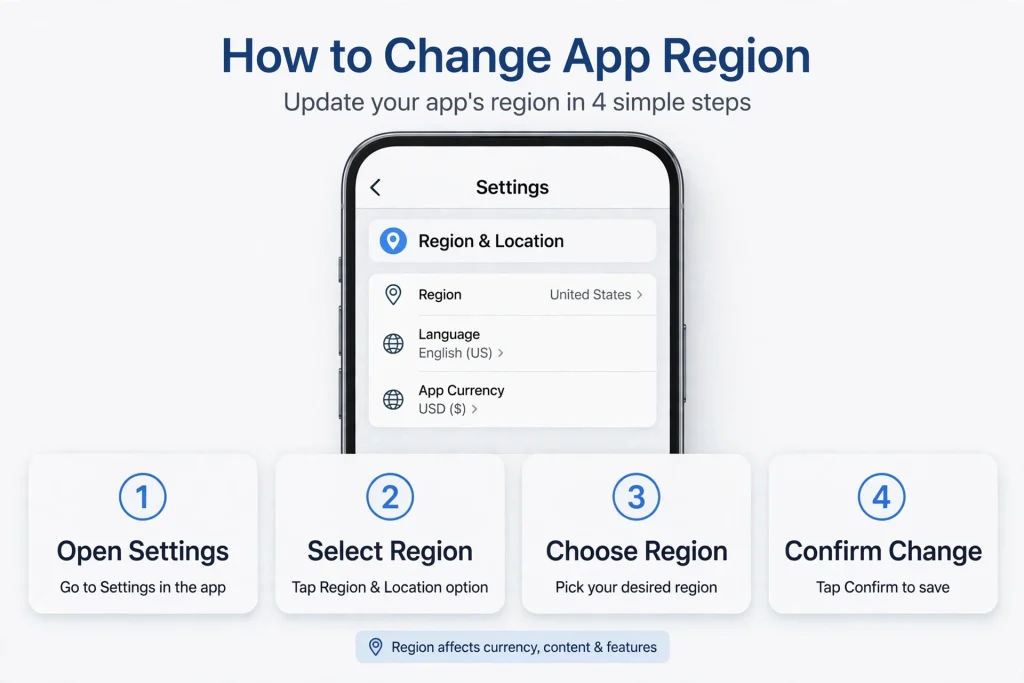
There is no universal in-app country selector that changes every regional aspect of CapCut. Different services can use different regional information.
How do I change region in CapCut on Android?
Check your Google Play country and make sure CapCut is updated. However, changing your Google Play country does not guarantee that every CapCut feature will change.
How do I change region in CapCut on iPhone?
Check your Apple Account’s Country/Region settings. For purchases, CapCut ties payment currency to the App Store region.
Can I change region in CapCut on PC?
CapCut Desktop does not provide a universal country selector for changing every regional restriction. Check your account, app version, network, and CapCut Web.
Can I change region in CapCut Web?
CapCut Web can detect regional availability for certain services. If a feature is unavailable, check your account, browser, network, and whether the feature is supported in your region.
Why are CapCut templates different in different countries?
CapCut says templates and effects can vary because of regional availability, licensing, campaigns, app versions, account eligibility, device capabilities, and gradual rollouts.
Does changing region give me CapCut Pro?
Not necessarily. Pro availability and pricing can depend on your region, account, platform, and subscription status.
Does changing my phone language change CapCut’s region?
No. Changing language is not the same as changing your CapCut or app-store region.
Does a VPN change my CapCut region?
A VPN can change your apparent IP location, but it does not automatically change your App Store/Google Play country or CapCut account information.
Final Thoughts
If you’re trying to change region in CapCut, the most important thing to understand is that CapCut doesn’t rely on one simple region switch for everything.
Mobile users should pay particular attention to their App Store or Google Play country, while desktop and web users should check their CapCut account, network, and platform availability.
Regional differences can affect templates, effects, AI tools, subscriptions, and pricing. However, changing a region does not guarantee access to every feature because CapCut can also use account eligibility, app versions, device capabilities, licensing, and gradual rollouts.
If a feature is unavailable, first update CapCut and verify your account before changing major device or store settings. This is usually the safest way to determine whether the problem is actually related to your region.


