
How to Use CapCut for Real Estate: Pro Agent Guide (2026)

Listings with video get 403% more inquiries than listings with photos alone. That one stat explains why learning capcut for real estate is now one of the highest-ROI skills an agent can pick up — it turns a boring photo gallery into a scroll-stopping property video, free.
You do not need a film crew or editing experience. If you can shoot a walkthrough on your phone, CapCut can turn it into a polished listing video in under 30 minutes. Here is exactly how.
Table of Contents
Why Real Estate Agents Use CapCut
Agents already carry the only camera they need. CapCut handles everything a listing video requires: trim shaky clips, add smooth transitions between rooms, drop in music, and overlay the price and your contact details.
What makes capcut for real estate such a natural fit is speed. A listing video needs to go live while the listing is fresh, and CapCut’s templates and auto-captions cut editing from hours to minutes. Unlike desktop editors with monthly fees, the core features are free — money better spent on ads.
What You Need Before You Start
A little preparation makes the edit ten times easier:
- Phone footage: Shoot in landscape, 10–15 seconds per room. Walk slowly — fast movement looks shaky even after stabilization.
- Exteriors: Film the front, the street, and standout features like a pool or view.
- Details: Close-ups of the kitchen and finishes sell the lifestyle, not just the floor plan.
- CapCut installed: The free version from the CapCut download page is enough for everything in this guide.
Shoot more than you need. Cutting a boring clip is easier than reshooting a room you skipped.
How to Make a Listing Video in CapCut (Step by Step)
The exact workflow for a 60-second listing video:
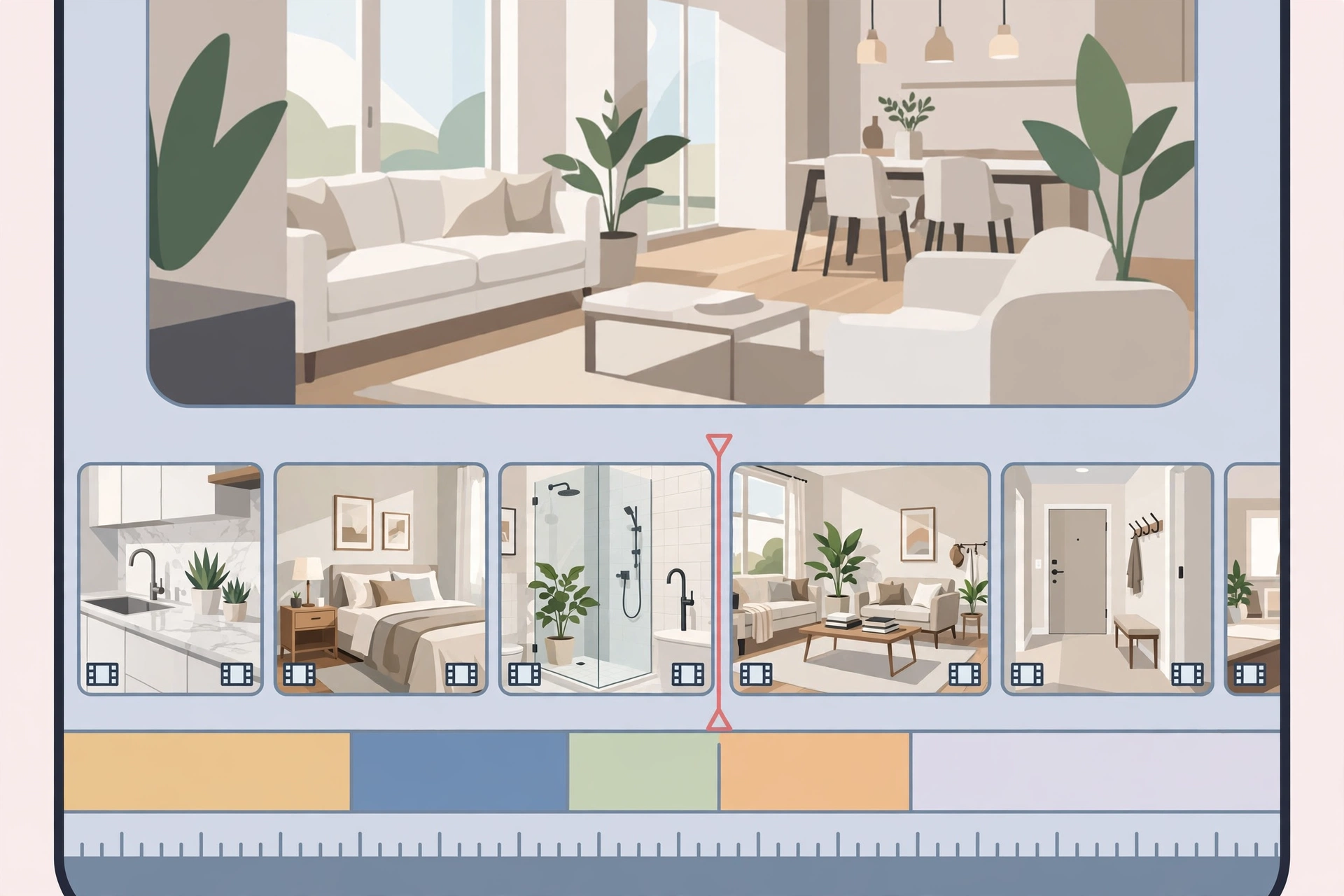
Step 1 — Import in order. New Project, then select clips in viewing order: exterior, entrance, living areas, kitchen, bedrooms, best feature last.
Step 2 — Trim ruthlessly. Drag clip edges to cut dead air — camera turns and hallway walks. If nothing interesting happens in a second of footage, cut it.
Step 3 — Add auto-captions. Text → Auto Captions. Most buyers watch muted, so captions keep them watching. Fix misheard street names and match the text style to your branding.
Step 4 — Add music. Pick a calm, upbeat track from CapCut’s library and drop it to 15–20% volume so it supports the video instead of overpowering it.
Step 5 — Add branding. Overlay the price, your name, and phone number in the first and last three seconds. Same fonts and colors every time — consistency builds recognition.
Step 6 — Export at 1080p, 30fps. The sweet spot for Reels, TikTok, and Facebook: sharp enough to look professional, small enough to upload fast.
Best CapCut Templates for Real Estate
Short on time? Capcut real estate templates do most of the work. Search “real estate” in the template tab:
- Virtual Tour Guide: Room-to-room transitions with text slots for room names and dimensions.
- Property Highlight Reel: Fast cuts synced to music — ideal for luxury listings and Reels.
- Luxury Showcase: Slow cinematic zooms with elegant text animations for high-end properties.
Replace the placeholder clips with your footage and edit the text. Full walkthrough: using CapCut templates for professional content
5 Tips That Turn Views Into Inquiries
- Hook in 3 seconds. Open with the best feature — the view, the pool, the kitchen — not the front door.
- Sell the neighborhood. Add 5 seconds of the street or nearby cafes. Buyers pick locations first, houses second.
- End with a call to action. “DM me ‘TOUR’ to book a viewing” beats a video that just fades out.
- Post natively everywhere. Export once, upload to Reels, TikTok, Facebook, and Shorts. Free distribution on each.
- Narrate premium listings. A short voiceover (“This 4-bed villa sits 5 minutes from the beach…”) builds trust text cannot. CapCut’s text-to-speech tools can generate it if you prefer not to record.

CapCut Free vs Pro for Agents: Honest Take
Free CapCut handles everything above — trimming, captions, music, templates, 1080p export. Most agents never need more. Pro adds cloud storage and extra effects, worth it only when daily content volume justifies it. Start free; upgrade when the workload demands it.
Conclusion
Video is no longer optional in real estate, and capcut for real estate is the simplest way for an agent to start. Shoot on your phone, edit the same day, post everywhere, end with a call to action.
Your first video will not be perfect — your tenth will be. The agents winning on social media are not the best filmmakers, just the ones who started. Make today’s listing video the one that rings your phone.
Is CapCut free for commercial real estate use?
Yes, the free version covers business content including listings. Just check each music track’s license — CapCut labels which are cleared for commercial use.
Will my videos have a CapCut watermark?
No. CapCut does not watermark exports in the free version, unlike some competing editors.
What export settings are best for property videos?
1080p at 30fps — sharp on every platform, fast to upload. Use 4K only for heavy cropping.
Can I add my agency logo?
Yes. Import it as a transparent PNG, place it with the Overlay feature, and lower opacity slightly for a professional look.
Are there templates made for virtual tours?
Yes — search “real estate” or “virtual tour” in the template tab for room-by-room transitions with text slots.


