
What Is CapCut Commerce Pro? Complete Guide

Quick Answer: Commerce Pro is CapCut’s AI platform for e-commerce sellers that turns product links into shoppable video ads in one click. It offers AI avatars, voiceovers, Shopify/TikTok Shop integration, and auto-publishing. Pricing is freemium — the first 200 seconds are free, then around $26/month. It is currently in beta with application-based access.
If you sell products online, you already know the hardest part is not finding products — it is creating content. Every product needs videos, images, and ads, and doing that by hand eats your entire week. CapCut’s answer to this problem is a separate platform built only for sellers. So what is CapCut Commerce Pro, how much does it cost, and how do you get access? This guide explains everything in simple words.
Table of Contents
What Is CapCut Commerce Pro?
CapCut Commerce Pro is an AI-powered content production platform designed specifically for e-commerce marketing. Instead of editing videos manually, you give it a product link or a few product photos, and it generates shoppable video ads, product images, and social media content automatically.
Think of it this way: regular CapCut is a video editor for creators. Commerce Pro is a content factory for sellers. It combines AI video generation, AI avatars and voiceovers, e-commerce integrations, auto-publishing, and performance analytics in one dashboard. The platform is currently in beta testing, which means it is not open to everyone yet — access is given to approved testers first.
CapCut Commerce Pro vs CapCut Pro: Don’t Confuse Them
This is the most important section of this guide, because the two names confuse almost everyone. Commerce Pro and CapCut Pro are two completely different products:
| Commerce Pro | CapCut Pro | |
|---|---|---|
| Purpose | AI ad and product content for online sellers | Video editing subscription for creators |
| Main output | Shoppable product videos, ad images, UGC-style clips | Edited videos with premium effects and templates |
| Audience | E-commerce sellers, dropshippers, marketers | Video creators, YouTubers, TikTokers |
| How you get it | Beta access (application based) | Paid subscription in the CapCut app |
| Works as | Web-based business platform | Mobile and desktop video editor |
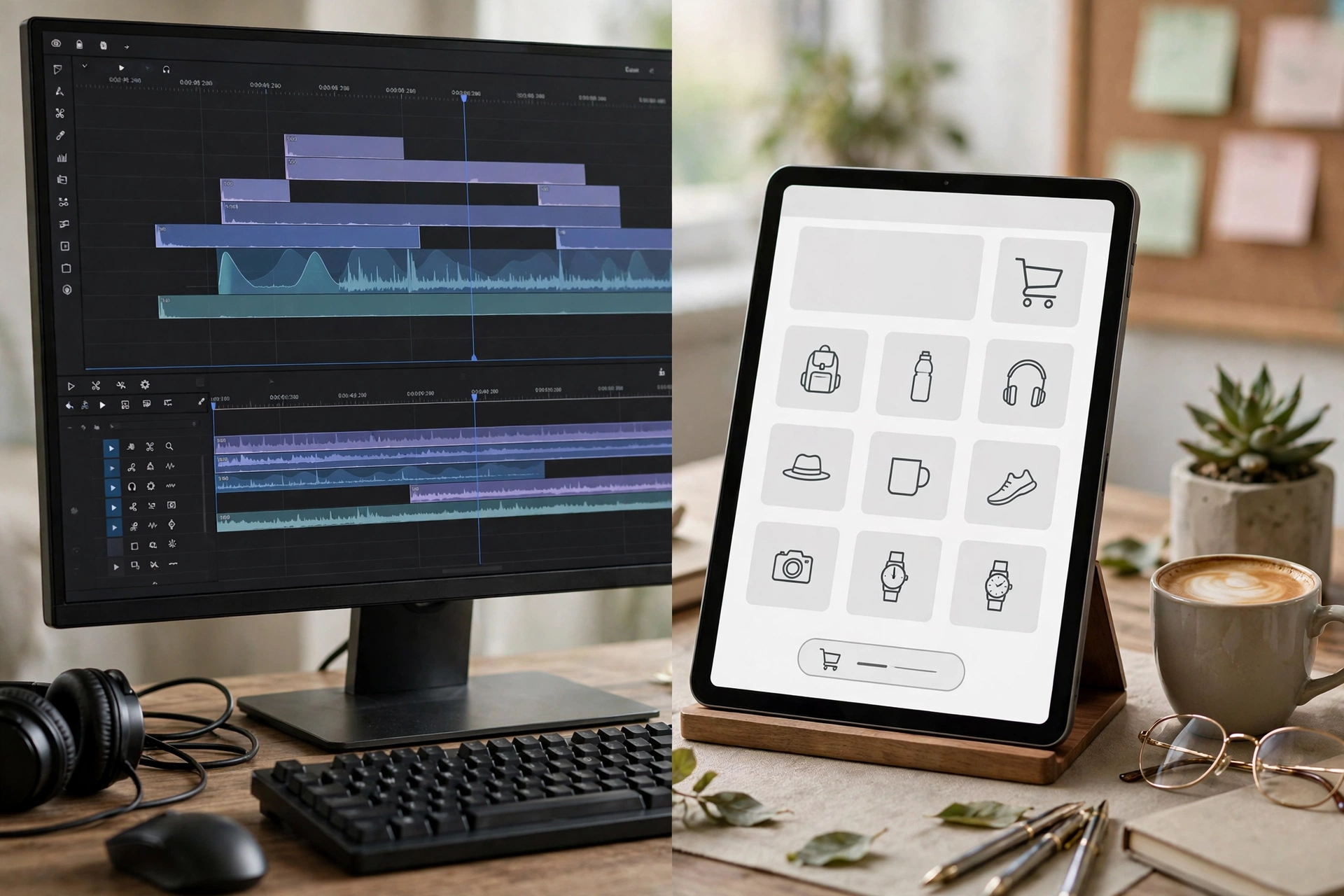
If you are a video creator looking for premium editing features, you want CapCut Pro — check our CapCut Pro vs Free comparison to understand that side. If you sell products online and need ads at scale, keep reading — Commerce Pro is the tool built for you.
6 Key Features That Matter for Sellers
At its core, the platform removes the blank-page problem. Here is what it actually does for a seller:
1. One-Click URL-to-Video Generation
Paste a product link — for example from your Shopify store — and the AI pulls the product images and description, then generates a complete promotional video with script, voiceover, and music. One product link can produce multiple ad variations in minutes.
2. AI Avatars and Voiceovers for UGC-Style Ads
The platform creates lifelike AI presenters that introduce your product on camera, with synchronized AI voiceovers in multiple tones and languages. The result looks like the casual UGC-style videos that perform best on TikTok — without hiring a single creator. For context, hiring UGC creators normally costs $50–$300 per video.

3. Shoppable Videos
You can embed direct product links inside the videos. Viewers go from watching to buying without leaving the video, which removes friction from the purchase journey — especially powerful for TikTok Shop sellers.
4. Shopify and TikTok Shop Integration
Commerce Pro connects directly with e-commerce platforms like Shopify and TikTok Shop. Product listings sync automatically, so new products can be turned into ad creatives without re-uploading photos and descriptions every time.
5. Auto-Publishing, Scheduling, and Analytics
Create once, then schedule and auto-publish across TikTok, Instagram, Facebook, and YouTube at set times. A built-in analytics dashboard tracks which creatives perform best, so you can double down on winners instead of guessing.
6. Commercially Licensed Music and Templates
Every template, music track, and design element in the library is cleared for commercial advertising use. This solves one of the biggest headaches for sellers: copyright strikes on ad accounts because of unlicensed audio.
CapCut Commerce Pro Pricing: Is It Free?
It follows a freemium model. The first 200 seconds of AI-generated video are free, which is enough to test the platform properly. After that, you need a subscription, reported at around $26 per month or roughly $250 per year.
The platform also uses a credit system: generating videos and images consumes credits, which you get through subscription plans, separate recharges, or special events. Not every tool consumes credits, so check the in-app details for your specific workflow.
Is it worth it? Do the math honestly. If you pay a freelancer $50–$300 per UGC video and you need 20 videos a month, even the full subscription pays for itself many times over. If you only need one video a month, the free 200 seconds plus manual editing in regular CapCut may be enough. For more on getting premium editing features without paying, see our CapCut guides and downloads.

How to Get Access to CapCut Commerce Pro
As of 2026, the platform is still in beta and only available to approved testers. Here is how sellers typically get in:
Step 1 — Visit the official early-bird page. CapCut runs an early-bird recruitment page where interested sellers can apply for a test account.
Step 2 — Submit your application. Fill in your details, including information about your store or business. Sellers with active Shopify or TikTok Shop stores tend to be prioritized.
Step 3 — Wait for approval. If accepted, you receive login details for the Commerce Pro platform. Approval is not instant, so apply early if you want in.
Step 4 — Start with the free credits. Use your free 200 seconds of video generation to test URL-to-video and the AI avatars before committing to a paid plan.
Apply only through CapCut’s official page. Anyone offering “instant Commerce Pro access” for a fee outside the official channel is almost certainly running a scam.
Who Should Use It — and Who Should Skip It

Commerce Pro is built for a specific type of user. You should seriously consider it if you are:
- A dropshipper testing many products and needing fast ad creatives
- A TikTok Shop or Shopify seller who posts product videos daily
- A small brand without budget for a video team or UGC creators
- A freelance marketer managing ad creatives for e-commerce clients
You should skip it if you are a casual video creator, a vlogger, or someone who just wants premium transitions and effects — that is what CapCut Pro (the editor subscription) is for, not this platform. And if your “store” is just an idea with no products yet, wait until you have something to sell.
Pros and Cons: An Honest Summary
Here is an honest summary of the platform based on what is publicly known so far:
Pros: one-click video generation from product links; realistic AI avatars and multilingual voiceovers; shoppable video format; direct Shopify and TikTok Shop integration; scheduling plus analytics in one place; commercially licensed assets; generous free trial (200 seconds).
Cons: still in beta with limited access; AI avatars can feel less authentic than real human creators for some brands; subscription cost adds up if you barely use it; quality depends heavily on your product photos; long-term pricing may change after full launch.
Conclusion
CapCut Commerce Pro is CapCut’s big bet on the business side of content: an AI factory that turns product links into shoppable ads in minutes instead of days. For TikTok Shop sellers, dropshippers, and small brands, it can replace thousands of dollars in creator and editor costs — if you can get beta access and your products photograph well.
Start with the free 200 seconds, test it on your best-selling product, and let the analytics decide whether the subscription earns its keep. And if you are actually looking for the video editor with premium features, make sure you are reading about the right product — see our CapCut templates guide to level up your editing instead.
What is CapCut Commerce Pro?
It is CapCut’s AI-powered platform for e-commerce marketing. It turns product links and photos into shoppable video ads, product images, and social content, with AI avatars, voiceovers, scheduling, and analytics built in.
Is CapCut Commerce Pro free?
Partly. The first 200 seconds of AI-generated video are free. After that you need a subscription (around $26/month) or credit recharges. It is a freemium model, not a fully free tool.
How is Commerce Pro different from CapCut Pro?
CapCut Pro is a paid subscription for the CapCut video editor (premium effects for creators). Commerce Pro is a separate web platform for online sellers that auto-generates product ads with AI. Different products, different audiences.
How do I get access to CapCut Commerce Pro?
It is in beta, so you need to apply through CapCut’s official early-bird recruitment page and wait for approval. Access is granted to approved testers, with active store owners usually prioritized.
Can I use Commerce Pro videos for TikTok Shop ads?
Yes — that is exactly what it is designed for. Templates, music, and assets in Commerce Pro are licensed for commercial use on TikTok, CapCut, and in most cases Facebook and Instagram as well.
Is there a Commerce Pro APK or mod version?
No. Commerce Pro is a web-based platform in beta testing — there is no official APK, and any site offering a “Commerce Pro APK download” is fake. Never install random APKs claiming to be Commerce Pro; they are a common malware trap.