How to Connect CapCut with LinkedIn for Video Sharing 2026
Quick Answer: The CapCut LinkedIn integration, launched in September 2025, lets you publish an edited video to LinkedIn in two taps from inside CapCut, without exporting and re-uploading it yourself. Videos shared this way carry a “Made with CapCut” label, and LinkedIn has said the label does not hurt feed ranking.
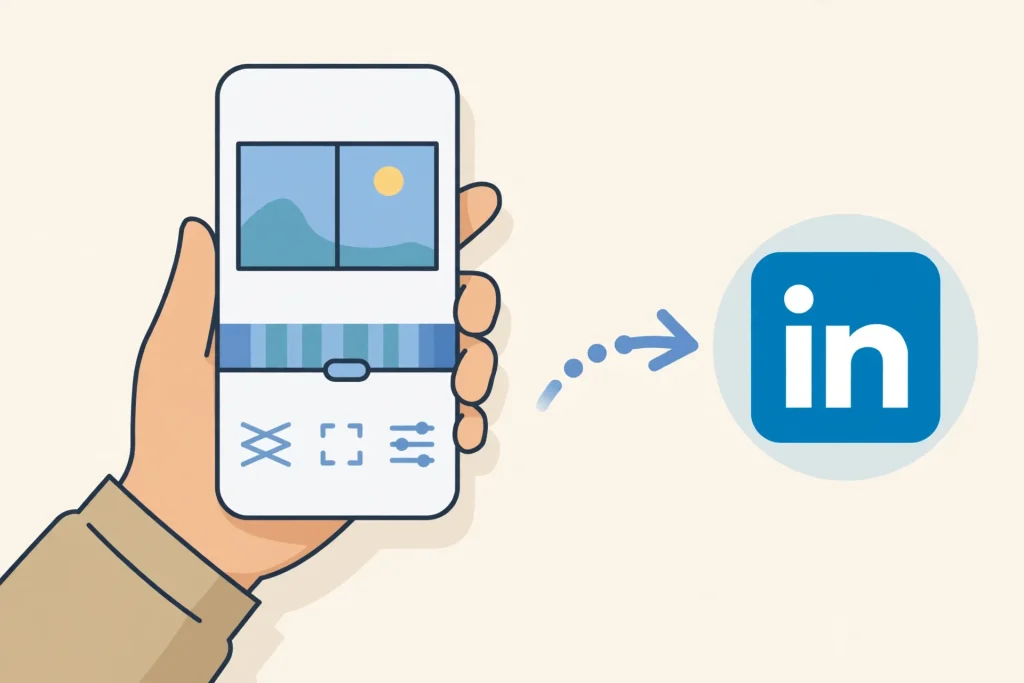
What changed is the workflow, not just the editing. Before this integration, a LinkedIn video meant exporting from CapCut, switching apps, and uploading the file manually. Now the CapCut composer includes a LinkedIn sharing button that posts the finished video directly to your LinkedIn account.

How to Share a CapCut Video to LinkedIn
- Edit your video in CapCut as usual and reach the export screen.
- Tap the LinkedIn sharing button in the composer.
- Sign in to LinkedIn if the app asks you to connect your account.
- Add your caption and any hashtags for your LinkedIn audience.
- Publish, and check your LinkedIn profile to confirm the video is live.
If you do not see the LinkedIn button, update CapCut to the latest version. Rollouts reach different regions and app versions at different times, so an older build may not show the option yet.
What the “Made with CapCut” Label Means
Videos posted through this integration display a small “Made with CapCut” label above the caption. LinkedIn has confirmed that the label does not affect visibility or feed ranking. Videos related to LinkedIn’s video trends can also become eligible to surface in those trends, just like videos uploaded directly.

The AI Tools That Arrived in the Same Update
The same CapCut update brought generative AI tools alongside the LinkedIn button. These include text-to-video creation, AI media generation, AI avatars and characters, and improved tools like AutoCut and Transcript. For LinkedIn creators, the practical ones are AutoCut for quick assembly and Transcript for captions.
Making LinkedIn Videos in CapCut
The CapCut LinkedIn integration works best with short, captioned videos. LinkedIn viewers often watch without sound, so add captions in CapCut before you share. Keep the video under a minute when you can, and put your main point in the first few seconds.
Before you publish through the CapCut LinkedIn integration, watch the video once with the sound off. If the message still lands, it is ready for LinkedIn. If it only makes sense with audio, add captions or rethink the opening shot.

Who Benefits the Most
Founders, marketers, and small teams benefit most from this integration. A single short video can now go from edit to LinkedIn in minutes, which makes consistent posting realistic. It also helps repurposing: a clip made for TikTok or Instagram can reach a professional audience with only a caption change.
Potential Downsides to Consider
Not every video fits LinkedIn, and the integration does not fix that. A casual TikTok-style clip may look out of place on a professional feed, so adapt the caption and tone before publishing. Also remember the label is visible: viewers will know the video was made in CapCut, which most professionals will not mind, but it is not hidden.
Conclusion
The CapCut LinkedIn integration removes the most annoying step in professional video posting: the export-and-reupload dance. Edit in CapCut, share in two taps, and let LinkedIn’s video trends do the rest. Keep the content professional, and the tool handles the distribution.
Related guides: explore our Blogs for more editing tips, browse CapCut Templates, compare CapCut with other editors, and learn how to connect CapCut with Instagram for wider sharing.
What is the CapCut LinkedIn integration?
It is a sharing feature launched in September 2025 that lets you publish a CapCut video directly to LinkedIn from the CapCut composer, without exporting and uploading it manually.
How do I share a CapCut video to LinkedIn?
Edit your video, tap the LinkedIn button in the composer, sign in if asked, add your caption, and publish. If the button is missing, update CapCut to the latest version.
Does the “Made with CapCut” label hurt my LinkedIn reach?
No. LinkedIn has confirmed that videos carrying the label are not penalized in feed ranking, and trend-related videos can still surface in video trends.
Can I edit the video after sharing it to LinkedIn?
No. Edits must happen in CapCut before you share. If you need changes afterwards, edit the project and share the new version again.
Is the LinkedIn integration available in every country?
Availability can vary by app version and region during rollout. If the button is missing, update CapCut and check again after the rollout reaches your region.
Does CapCut’s LinkedIn integration work for company pages?
The sharing flow posts to the connected LinkedIn account. If you manage a company page, confirm the correct account is connected before you publish.